Your own Certificate Authority on your own server.
AD-PKI is a complete, self-hosted PKI for automated certificate management. Full ACME compatibility, RFC 3161 timestamping, team access control — and zero cloud dependency.
api.internalCertificate renewed
vpn.internalACME challenge verified
Everything a modern PKI needs
Built for real infrastructure teams who need reliability, compliance, and control — without the cloud subscription.
ACME Protocol (RFC 8555)
Drop-in compatible with Certbot, acme.sh, and win-acme. Fully automated certificate issuance and renewal — no manual steps.
Automated Certificate Lifecycle
Issue, renew, and revoke certificates automatically. Schedule-based rotation with configurable lead time before expiry.
RFC 3161 Timestamping (TSA)
Built-in Timestamp Authority for trusted, verifiable timestamps on documents and artifacts. Fully RFC 3161 compliant.
Team-Based Access Control
Three-tier permission model: Admins, Managers, and Users. Granular control over who can issue, revoke, or configure.
Revocation & Validation
CRL distribution points and OCSP responder included out of the box. Real-time certificate status checks for all relying parties.
Flexible Security Policies
Configure key types (RSA/ECDSA), sizes, validity periods, wildcard rules, SAN requirements, and email constraints per CA.
Self-Hosted & Open Source
Deploy on your own infrastructure. Full data sovereignty, no vendor lock-in, no telemetry. AGPL-3.0 licensed.
Multi-CA Hierarchy
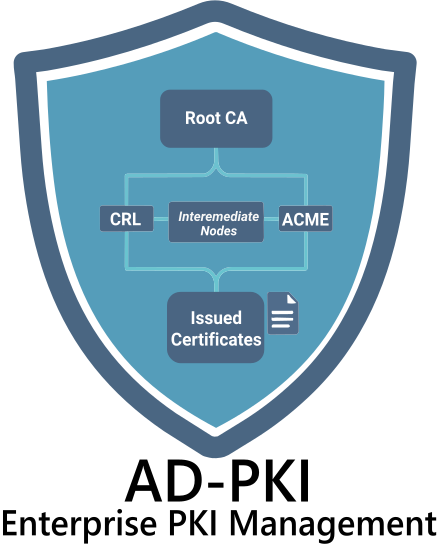
Create Root CAs and Intermediate CAs with independent policies. Supports air-gapped offline root CA workflows.
How it all fits together
A clean, layered architecture where every component has a single responsibility.
Clients
Core Services
Data & Infra
Request Flow
Built on battle-tested technology
No experimental dependencies. Every component chosen for reliability, performance, and long-term maintainability.
CA Service · ACME · OCSP · TSA
REST API · Auth · Business Logic
Admin Dashboard · SPA · Islands
Primary Datastore · Full ACID
Container Orchestration · Deploy
Crypto Operations · Key Gen · CA